Give the first week a clear path into the team.
Turn the new colleague’s role and company instructions into a practical first-week checklist. The HR Agent connects activities, setup questions and reviewers so the manager can welcome the person into the work.

Begin with the role the colleague is joining.
A new client-delivery colleague needs to know the work, the receiving people and the sources the team uses. The task brief names the role and expected first-week activities. Company knowledge supplies the relevant instructions.
The AI Chief connects those activities to the team’s assignments. The security page explains how information is handled on this website.
Bring the useful role context into the checklist.
Use the role description, agreed start context, relevant company guidance and the colleagues responsible for setup and review. Integrations help define the source fields the workflow needs.
The output is a first-week checklist with activities, source references, receiving people and setup questions. The company-context form lets you review the team’s basic details in your browser.
Managers own the decisions about people and access.
The people-in-control guide helps name the manager, HR reviewer and authorized setup owners. Their responsibilities guide the checklist and its follow-up.
| Activity | Agent preparation | Manager confirmation | Owner or reserved authority |
|---|---|---|---|
| Role checklist | Assemble activities from the supplied role and instructions | Confirm the checklist fits the employee’s role | Set company people policies |
| Setup request | List the access or equipment question and its owner | Confirm the operational need | Approve access or spending reserved by policy |
| Guidance question | Show the relevant instructions and version question | Ask HR or the source owner to confirm applicability | Decide reserved policy changes |
| Employee decision | Summarize the supplied context for the responsible reviewer | Make decisions within the assigned people role | Authorize matters reserved to ownership or designated specialists |
Six jobs around the new colleague’s first week.
Use approvals for the decisions the manager or setup owner makes. Alerts bring a waiting setup question into view, and the dashboard follows the team’s next actions.
- 01
Summarize the role
Capture the team, expected work, receiving manager and the first activities the colleague needs to understand.
- 02
Select the relevant guidance
Connect the checklist to the current company instructions for that role and working context.
- 03
Build the first-week checklist
List the activities, the people involved and the output or conversation that completes each step.
- 04
Route setup questions
Name the colleague responsible for confirming the required access, equipment or practical arrangements.
- 05
Follow a waiting answer
Connect a setup dependency to the activity it affects and ask its owner for the next update.
- 06
Summarize the first-week handoff
Bring completed activities, open questions and next owners together for the employee and manager.
Read the checklist with the person who receives it.
A services team can focus on the first client handoff; a restaurant group can focus on the first store role and shift review. Employees and managers bring the actual working context.
- 01
Name the role and first activities
Agree the work the colleague is joining, the first-week result and the manager who reviews the checklist.
- 02
Check instructions and setup owners
Read the applicable guidance and confirm who answers each access, equipment or work-process question.
- 03
Walk through the first week
Have the manager and employee follow the activities together, then assign each remaining question to its next owner.
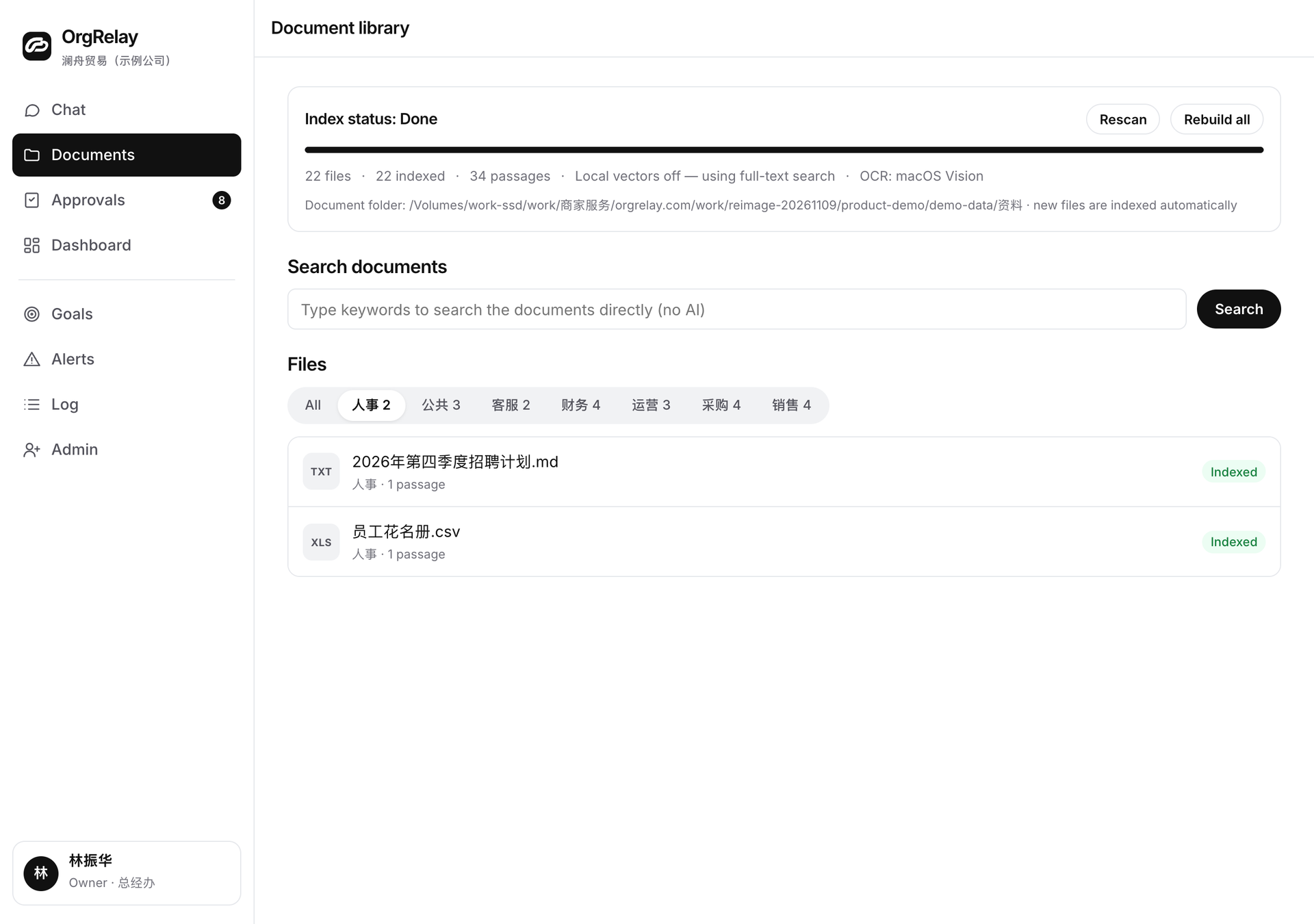
First-week preparation and responsibility
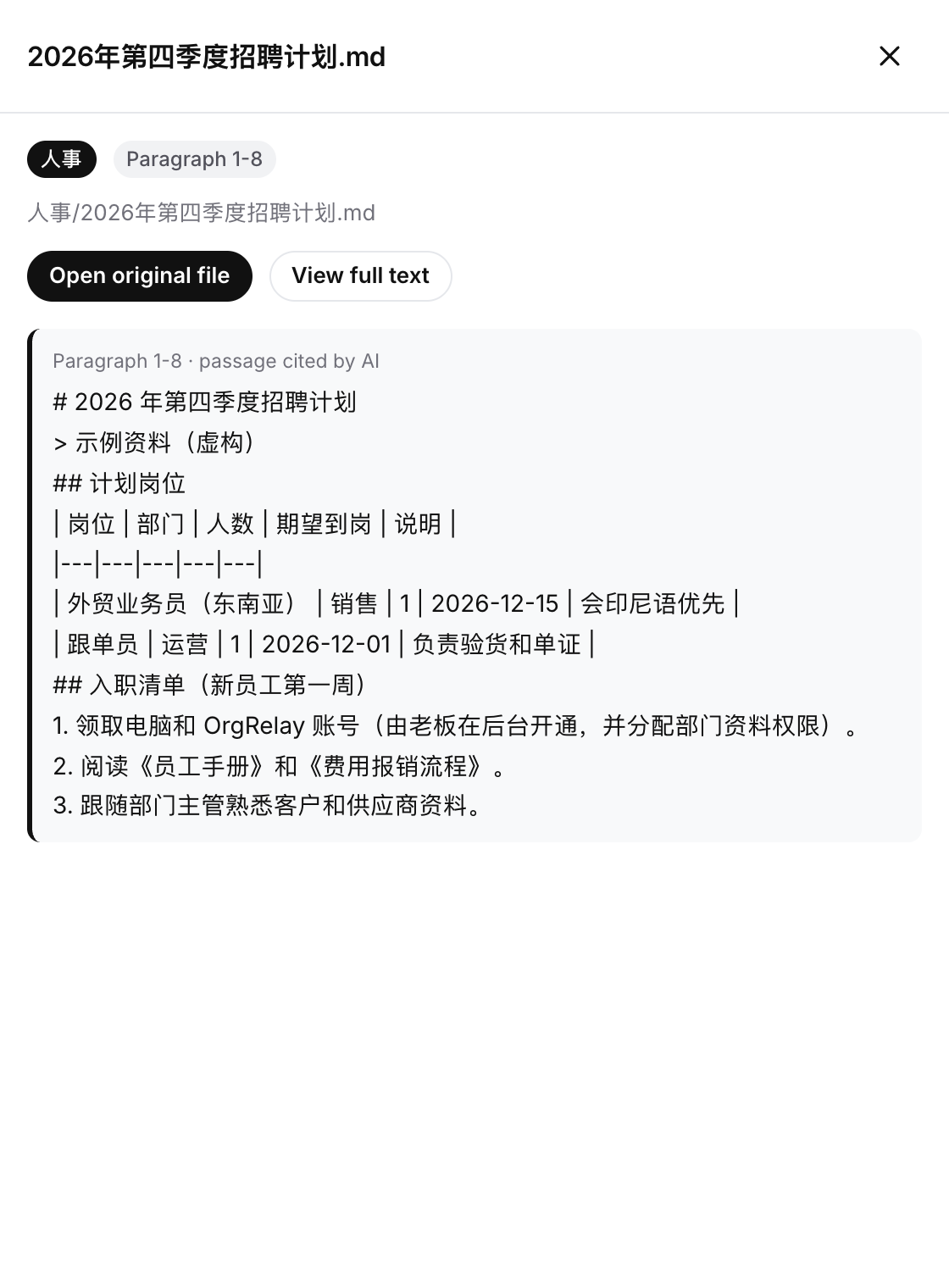
A services team welcomes a client-delivery colleague.
The manager wants the new colleague to understand the team’s client handoff and the person receiving each result.
- 01
Monday · Agree the role context
HR and the manager identify the role instructions, the first activities and the colleague who receives the completed checklist.
- 02
Tuesday · Confirm the guidance
The Agent highlights the passages relevant to the role. The instruction owner confirms the applicable version and answers the team’s questions.
- 03
Wednesday · Follow setup questions
A setup owner confirms the access needed for the first activity. The manager adjusts the order of the checklist around that answer.
- 04
Thursday · Walk through the work
The new colleague follows the checklist with the manager, opening the relevant instructions and identifying the next person in each handoff.
- 05
Friday · Continue with named next steps
The team reviews completed activities and assigns the remaining setup or work questions to the responsible colleagues.
Choose a first-week activity the team can explain.
Use an onboarding brief to describe the role, instructions and reviewers. Ask the manager which first conversation or handoff will help the colleague join the team’s actual work.
Compare plan scopes around the people involved and bring the chosen workflow to the demo discussion.
Questions, answered.
What makes a good first HR assignment?
A role-specific first-week checklist using agreed company instructions, setup owners and a receiving manager.
What information belongs in the task?
The role, first activities, relevant guidance and the people responsible for setup, review and receiving the work.
Who confirms the checklist fits the employee?
The manager and HR reviewer responsible for that role and its company context.
How are setup questions handled?
Each names the relevant activity, the person who can answer and the next follow-up condition.