Give the change a question and an owner.
A useful exception note helps the team act on a changed condition. Record what was found, which result it affects, and who can provide the answer or decision.
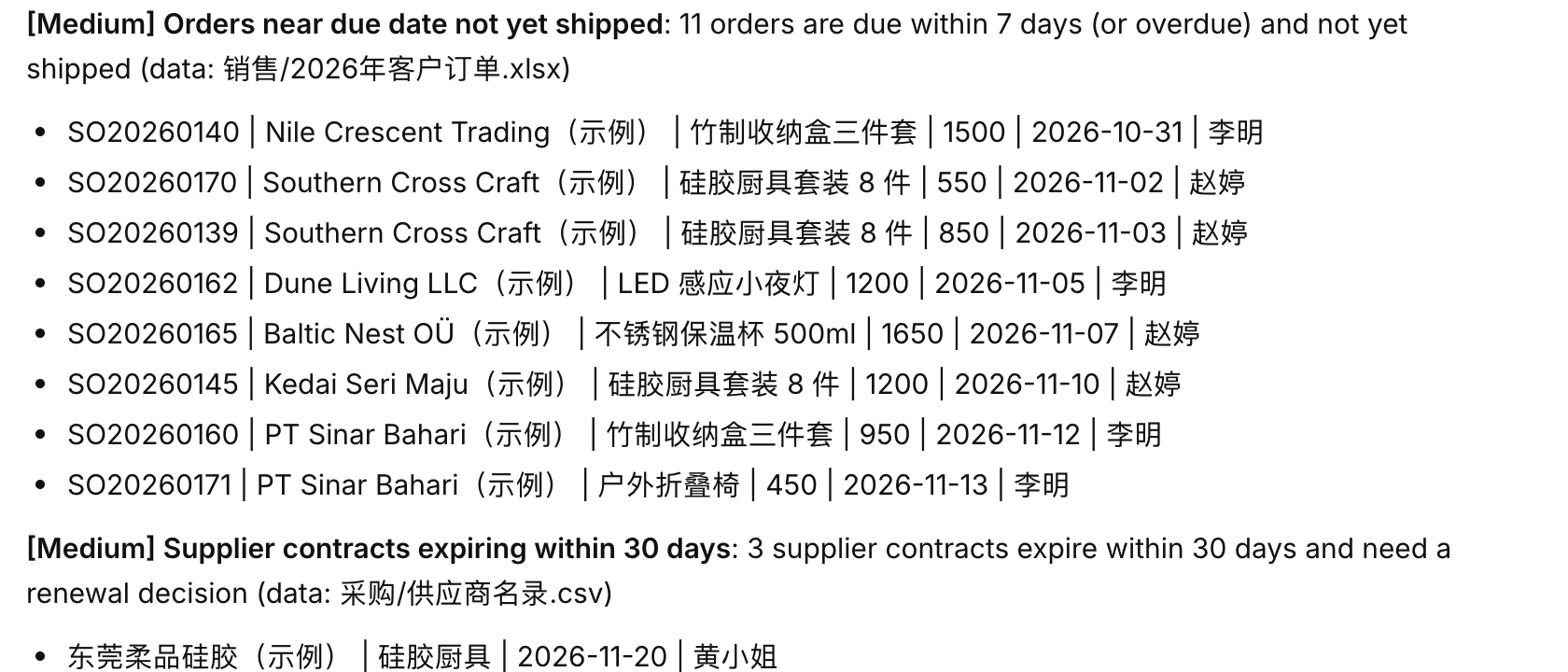
Describe the difference from the agreed plan.
In a restaurant workflow, branches may use different units for a requirement. The exception workflow, goals and tasks, and company knowledge trail connect the observation to its work and sources.
Copy the record for one answerable question.
The exception-review article helps frame the discussion. Check the information guidance when selecting the evidence.
EXCEPTION: BRANCH REQUIREMENTS USE DIFFERENT UNITS
Related goal: prepare requirements for purchasing review. Record owner: the preparing colleague. Impact reviewer: operations manager.
Observation: the selected source rows use different units and need clarification before a combined quantity is prepared. Reference the rows, period, and source owner.
Effect: hold the combined conclusion for those rows. The manager identifies other sections that can continue. Interim action: retain the original quantities and units and ask their owner what they represent.
The source owner provides clarification. The preparer updates the summary and the reviewer checks its intended use. Purchasing decisions follow the company’s authorized process.
Closure records the answer, changed output, accepted sections, and remaining responsibility. Note any source-format or role change worth testing next time.
Identify the kind of answer needed.
A source owner explains information; an authorized person decides a commitment. The approval workflow, Procurement Agent, Finance Agent, and Operations Agent contribute different parts of that work.
| Gap type | Question to ask | Appropriate responsibility |
|---|---|---|
| Information | Which material or fact is missing? | Source owner |
| Interpretation | Which condition or version applies? | Responsible business owner |
| Authority | Who can decide the consequence? | Authorized manager or owner |
| Handoff | Who should receive the current work? | Process coordinator |
State the affected conclusion and the work that can continue.
The first Agent guide explains a bounded assignment. The dashboard and AI Chief show how the question relates to the plan.
Ask for the specific confirmation that unlocks the next step.
Use the handoff template to name the recipient. Use an approval packet when the answer requires authority.
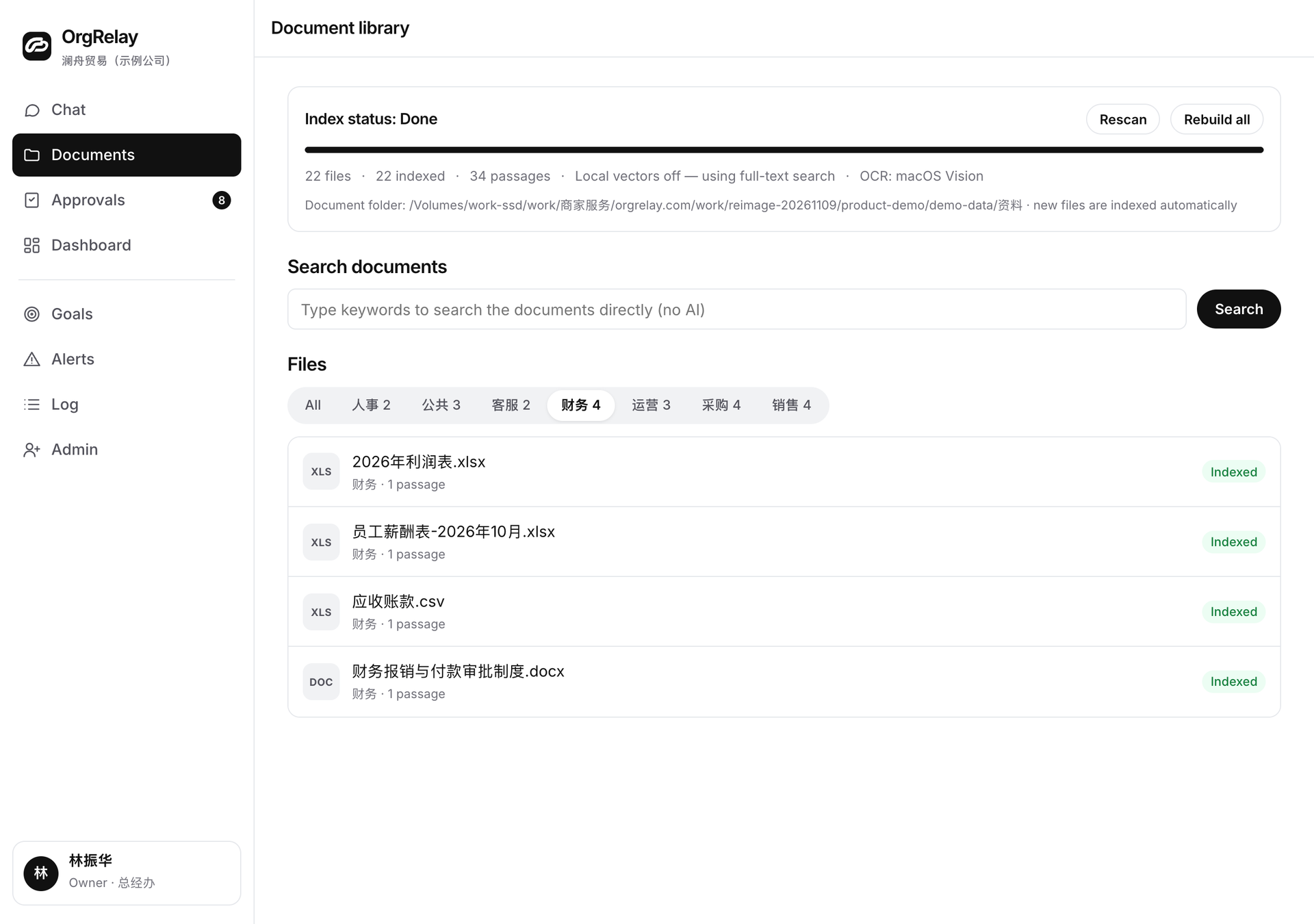
A blocker with enough context to answer
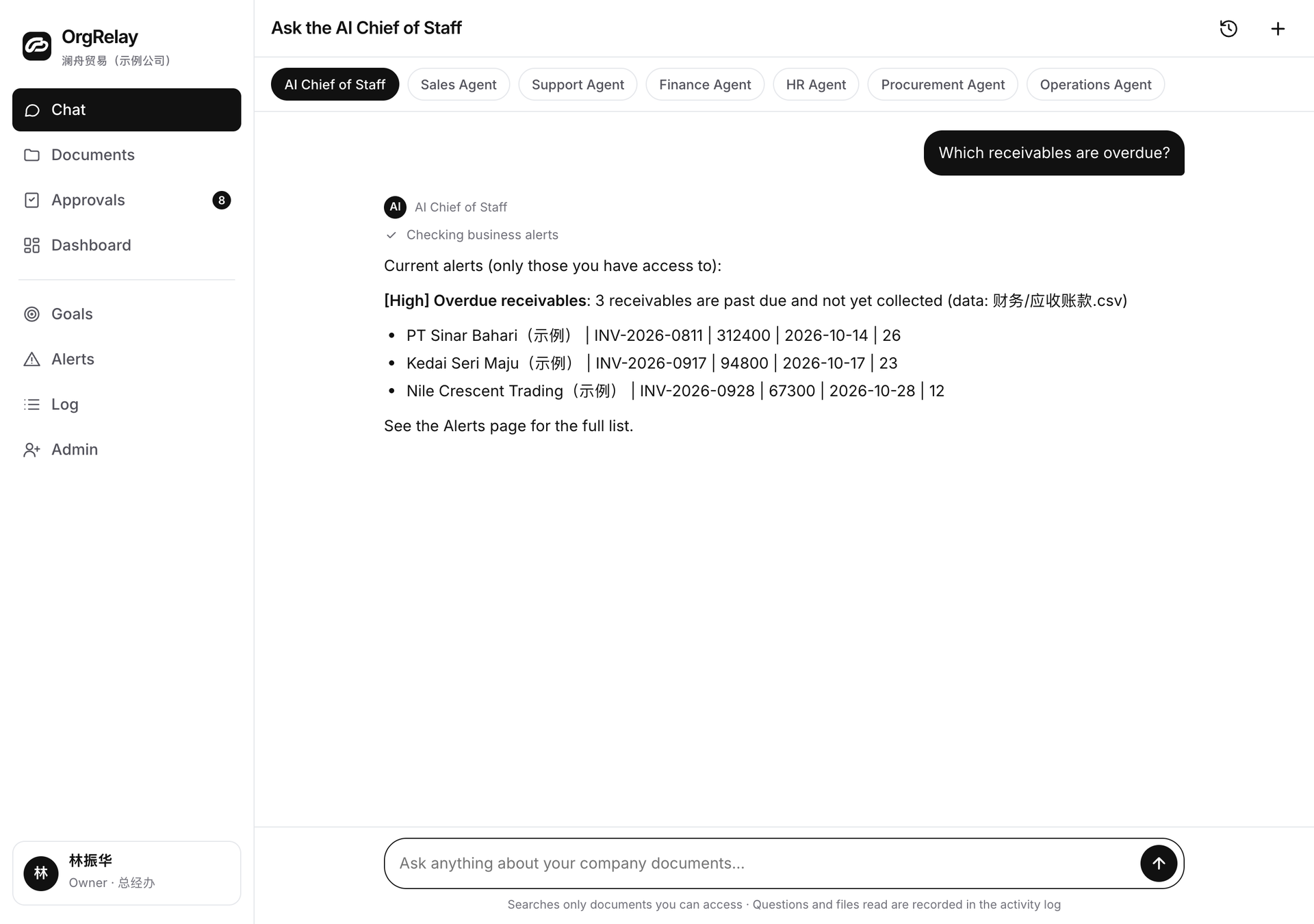
Close the note through the dependent result.
Check that the answer is recorded and the affected output has been reviewed. The source-context article helps retain the basis of the correction.
- 01
Record the clarification
Keep the source owner’s answer beside the original question.
- 02
Revise the result
Show the changed section and its current basis.
- 03
Check the handoff
The recipient confirms the correction and any further decision needed.
Use recurring questions to improve the workflow.
Update the weekly goal or Agent brief when the cause is clear. Support work and professional-services handoffs offer other contexts. Review integration requirements if the issue concerns a source system.
Questions, answered.
What belongs in the note?
The observation, source, affected result, next question, responsible person, and closure condition.
How should impact be described?
Name the affected section and explain which other work can continue.
Who should receive the question?
The person who can clarify the source or authorize the required action.
When is the exception closed?
The answer is recorded, affected work is reviewed, and the recipient understands the next step.