Make the approval as specific as the action.
People can carry out a decision more clearly when its object and conditions are explicit. State the requested action, scope, executor, and basis before asking the authorized person to decide.

Ask for the decision that changes the next step.
“Approved” can refer to wording, a recommendation, or permission to commit. The approval workflow, human control guide, and task brief help state the action the answer would authorize.
Separate the responsibilities involved.
A source owner confirms a condition; a reviewer accepts a comparison; an authorized buyer decides a purchase. The company setup guide, Procurement Agent, and Finance Agent help prepare the relevant parts.
| Responsibility | Question answered | Next decision |
|---|---|---|
| Confirm a source | Which material applies? | Authority over its use |
| Review a result | Is it sufficient for this purpose? | Permission for a consequential action |
| Authorize an action | May this defined step proceed? | Review of a changed scope |
Give the reviewer a current question and its basis.
Use the approval packet to show the action and conditions. The source-context article and company knowledge workflow keep the source status clear.
Different preparations, different consequences

Describe the actions reserved for people.
A Support Agent or Sales Agent can draft material for review. The Agent brief states the boundaries. HR work and the first Agent guide show why each assignment needs its own decision owner.
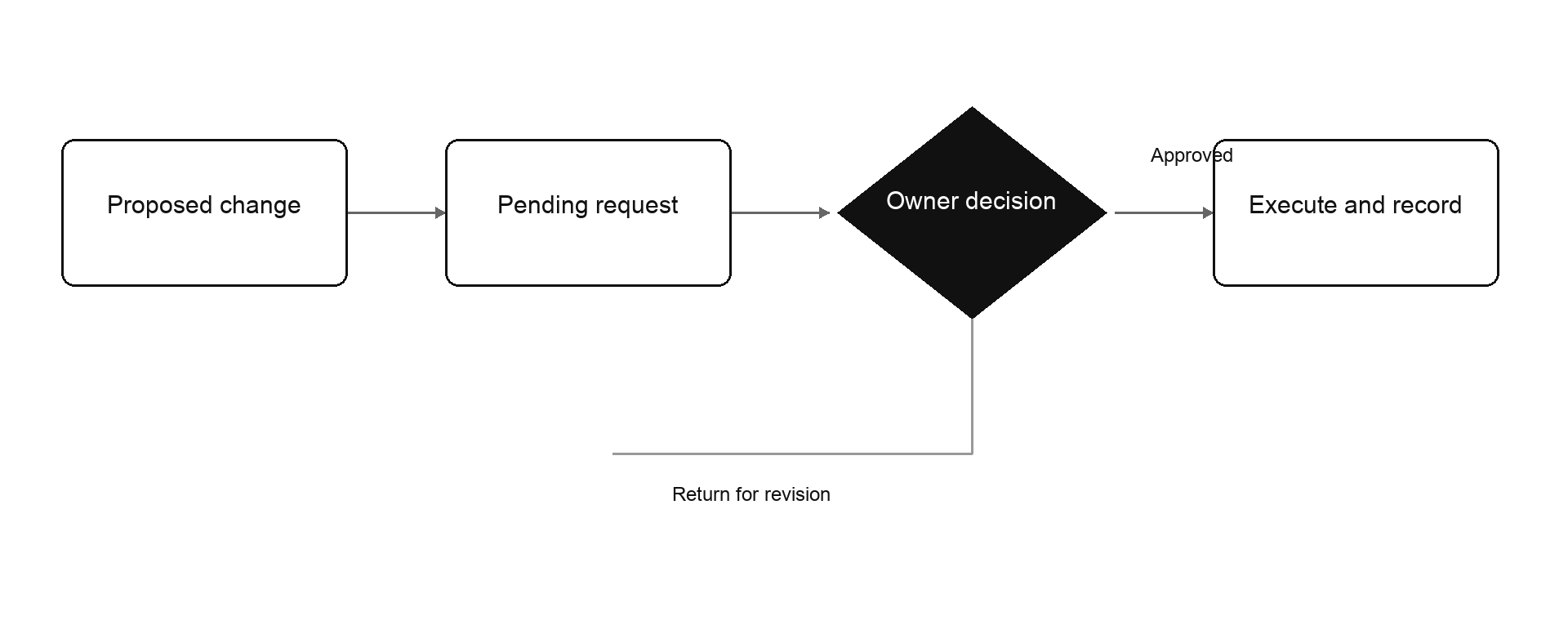
Keep a waiting decision attached to an owner.
The exception workflow and dashboard show affected work. The team participation guide helps name an authorized replacement and the scope of their role.
Treat a changed basis as a question for the reviewer.
If quantity, scope, or terms change, show the difference before the next action. The cross-team handoff article helps preserve the decision and its conditions as work moves.
- 01
Review the original packet
The decision owner sees the action and conditions being requested.
- 02
Show the changed source
Mark the sentence and consequence affected by the new condition.
- 03
Ask the next decision
The authorized person checks whether the original scope still applies.
- 04
Pass the current answer
The executor receives the applicable version and its conditions.
Keep the request easy to understand and challenge.
Use an exception note for a specific unresolved condition. The handoff template and Operations Agent carry the answer to its executor.
Read one decision from three positions.
Ask the preparer, decision owner, and executor to state what happens next. AI Chief connects the work. Review information guidance and integration requirements for the sources and actions involved.
Questions, answered.
What should an approval name?
The action, scope, executor, relevant basis, and conditions.
Who confirms source meaning?
The person responsible for that information.
Who authorizes a commitment?
The person holding the relevant company authority.
How should a conditional answer be handed over?
Include its conditions and name the person checking them before execution.