Give the task a result worth delivering.
Put the outcome, the owner and the next handoff in the same task. Your team knows what to deliver, which material to use and who will accept the result.

Write the outcome the recipient needs.
“Compare these supplier offers” becomes a useful task when it names the required item, delivery basis, comparison fields and the buyer who receives it. The AI Chief uses that brief to divide the work.
Attach the relevant specification through company knowledge, identify the approval that follows the comparison and follow progress on the dashboard. The task carries the reason for the work as well as the next action.
Build the brief from five practical decisions.
The owner sets the business outcome. The manager checks that the assignment has the right people and review conditions.
A Procurement Agent compares terms while operations confirms the delivery context. Alerts bring a waiting answer back to its owner.
- 01
1 · Name the deliverable
Ask for a supplier comparison showing specification, quantity, unit, delivery basis and the questions the buyer needs to settle.
- 02
2 · Add the conditions
Record the required date and the company’s relevant purchasing instructions. Keep those conditions beside the requested result.
- 03
3 · Assign the owner
Name the colleague responsible for the comparison and the Agent’s specific contribution, such as lining up supplied quotations.
- 04
4 · Connect the inputs
List the specification, selected offers and person who can explain each source. Identify the delivery answer the comparison depends on.
- 05
5 · Agree the handoff
Name the buyer who receives the result and what they check. Specify the next approval and how questions return to their source owner.
Supplier comparison: the working brief
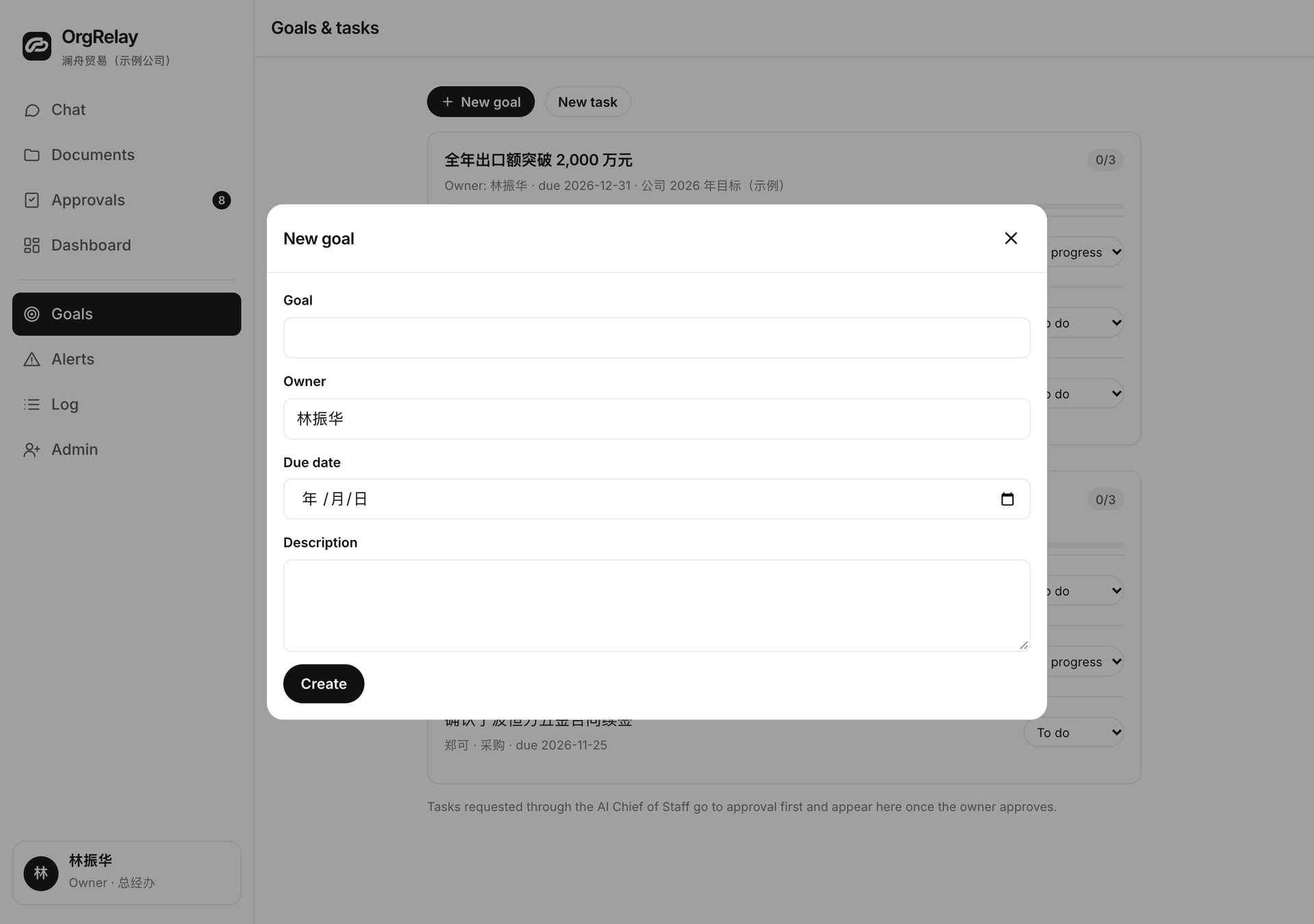
A supplier comparison moves through the week.
A trading company needs to choose the next step for a requested item. The purchasing manager asks the team for a side-by-side comparison before Friday’s review.
- 01
Monday · Agree the comparison
The manager names the requested specification and the fields the buyer needs. The task identifies the selected quotations and the people who explain them.
- 02
Tuesday · Line up the offers
The Procurement Agent extracts the supplied terms. A purchasing colleague checks units, specification and the delivery basis against the request.
- 03
Wednesday · Settle a delivery question
One offer uses a different delivery basis. The task routes that question to the buyer before the team chooses a recommendation.
- 04
Thursday · Review the result
The receiving manager reads the comparison against the original brief and asks for the exact field or source that needs clarification.
- 05
Friday · Choose the purchasing action
The reviewer accepts the completed comparison and routes the proposed purchase to the company’s authorized decision-maker.
Keep task acceptance and business approval explicit.
The people-in-control guide helps assign the reviewer and the approver for the next action. The security page explains this website’s information handling.
| Work | AI can prepare | Manager reviews | Owner decides |
|---|---|---|---|
| Task brief | List the outcome, inputs and proposed owners | Confirm the assignment and reviewer | Set business priorities |
| Comparison or draft | Extract relevant fields and highlight questions | Check the result against the agreed brief | Decide reserved business commitments |
| Changed task scope | Describe the requested change and affected handoffs | Agree changes within the team’s mandate | Approve significant changes to company priorities |
| Completion and follow-up | Summarize the result and next action | Accept the task and name the next owner | Choose decisions reserved by company policy |
Keep each important field connected to its source.
Use company knowledge for the relevant instructions and specification. A Sales Agent may need the comparison’s customer context, while finance may need to clarify the supplied cost records.
Integrations describe the fields and access a connected source needs. The task returns a result with the source references, the reviewer’s response and the next agreed action.
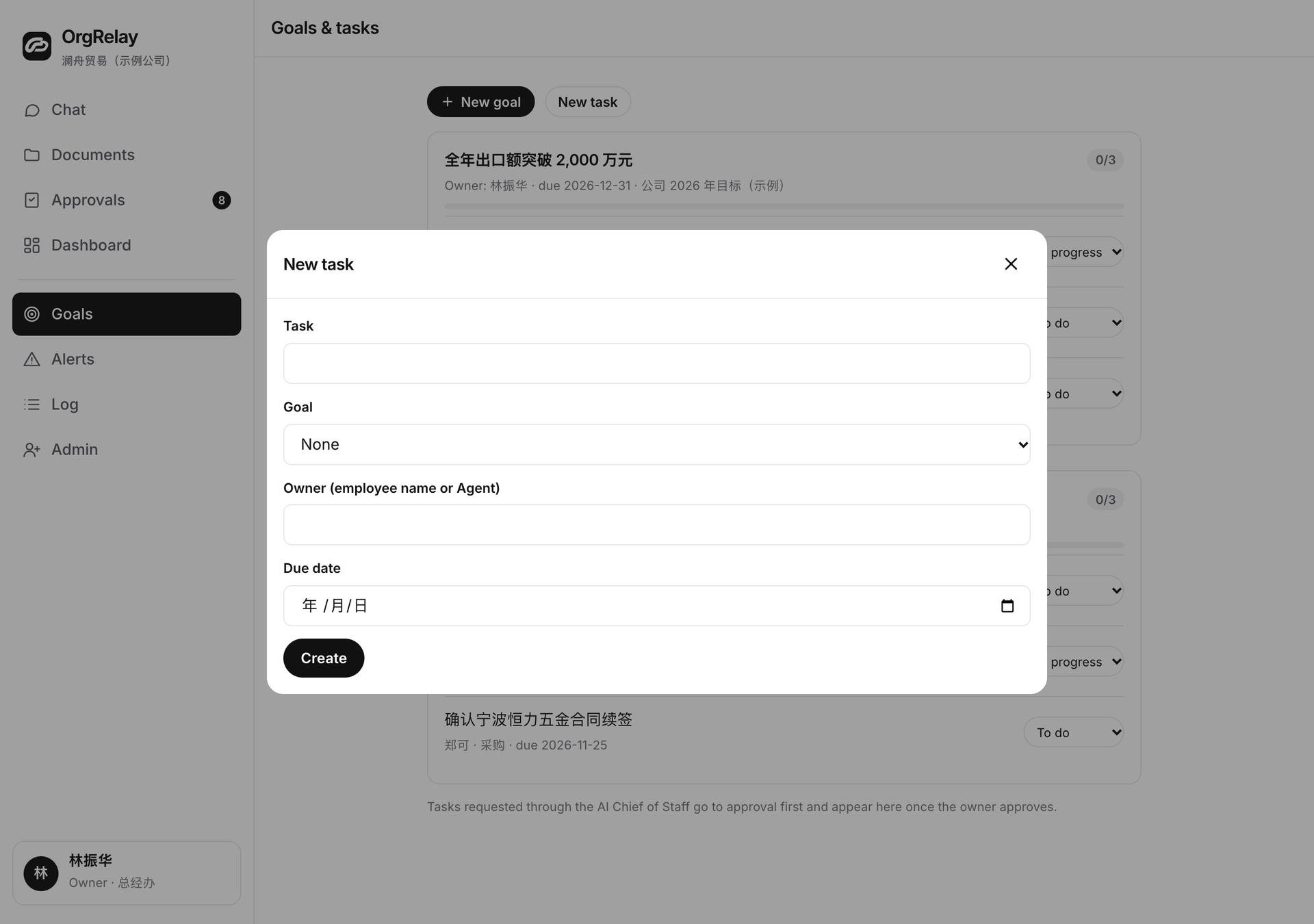
Choose the first brief your team can test together.
A growing company can start with one cross-team dependency. A small business can choose a recurring job with one reviewer. In either case, ask the recipient to read the brief before the work starts.
Use the working templates to capture that agreement, compare plan scopes and review your company context in the company form.
Questions, answered.
What makes a goal useful to the team?
A concrete result, a deadline, the relevant sources and the person who accepts the output.
How do tasks connect to a goal?
Each task contributes a named piece of the result and identifies the next handoff or decision it enables.
Who can accept the completed task?
The company names a reviewer who checks the output against the agreed brief.
How should a changed requirement be handled?
Record the requested change, the affected work and the person who agrees the revised task or business commitment.